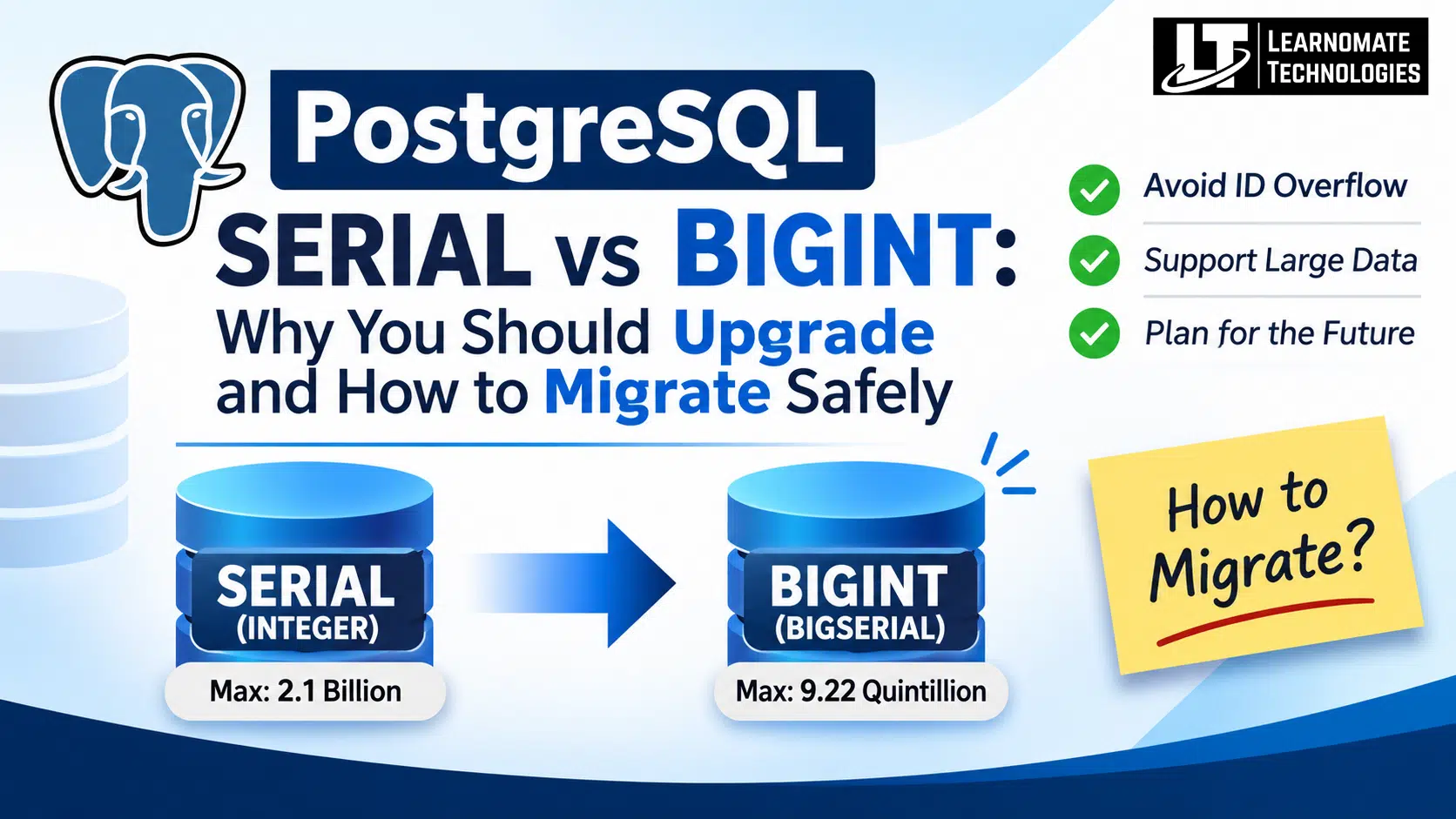
PostgreSQL SERIAL vs BIGINT: Why You Should Upgrade and How to Migrate Safely
PostgreSQL Serial Columns Should Use BIGINT: Why It Matters and How to Migrate Safely
Alternative Blog Titles:
-
PostgreSQL SERIAL vs BIGSERIAL: Why BIGINT Is the Better Choice for Growing Databases
-
Avoid ID Overflow: Why PostgreSQL Primary Keys Should Use BIGINT
-
Future-Proof Your PostgreSQL Database: Migrating SERIAL to BIGINT
-
PostgreSQL ID Management: Understanding SERIAL Limits and BIGINT Migration
-
Is Your PostgreSQL SERIAL Column Running Out of IDs? Here’s How to Fix It
Introduction
PostgreSQL is widely used for applications that manage everything from small business records to large-scale enterprise workloads. As applications grow, database tables can accumulate millions or even billions of records.
One important database design decision is choosing the correct data type for primary key columns.
Many PostgreSQL developers use SERIAL when creating auto-incrementing primary keys. While SERIAL works well for smaller applications, it has a limitation: it uses a 32-bit integer (INTEGER) internally.
This means a SERIAL column has a maximum value of approximately 2.1 billion. For applications with high transaction volumes, large datasets, or continuous record creation, this limit can eventually become a problem.
The better long-term approach is to use BIGINT or BIGSERIAL.
In this blog, we will explore why PostgreSQL SERIAL columns can become a limitation, how BIGINT solves the problem, and how to migrate existing SERIAL columns safely without losing data.
1. Understanding SERIAL in PostgreSQL
SERIAL is a PostgreSQL pseudo-data type used to create auto-incrementing integer columns.
When you define a column as SERIAL, PostgreSQL automatically creates:
-
An INTEGER column.
-
A sequence object.
-
A default value that retrieves the next sequence number.
-
A NOT NULL constraint.
For example:
CREATE TABLE customers (
    customer_id SERIAL PRIMARY KEY,
    customer_name VARCHAR(100),
    email VARCHAR(150)
);
PostgreSQL internally performs operations similar to:
CREATE SEQUENCE customers_customer_id_seq;

CREATE TABLE customers (
    customer_id INTEGER NOT NULL
        DEFAULT nextval('customers_customer_id_seq'),
    customer_name VARCHAR(100),
    email VARCHAR(150),
    PRIMARY KEY (customer_id)
);
Whenever a new customer record is inserted, PostgreSQL automatically generates the next available ID.
Example:
INSERT INTO customers (customer_name, email)
VALUES ('Pradip', '[email protected]');
PostgreSQL automatically assigns the customer ID.
1.1 What Is the Problem with SERIAL?
The main limitation of SERIAL is its underlying INTEGER data type.
A PostgreSQL INTEGER uses 4 bytes of storage and supports values within a fixed range.
| Data Type | Storage | Minimum Value | Maximum Value |
|---|---|---|---|
| SMALLINT | 2 bytes | -32,768 | 32,767 |
| INTEGER | 4 bytes | -2,147,483,648 | 2,147,483,647 |
| BIGINT | 8 bytes | -9.22 quintillion | 9.22 quintillion |
For a SERIAL column, the maximum positive generated ID is 2,147,483,647.
Consider an application that generates 1 million new records every day.
It could reach the SERIAL positive limit in approximately six years.
For high-volume systems, this is a database design risk that should be considered early.
2. Why PostgreSQL Primary Keys Should Use BIGINT
BIGINT is a 64-bit integer data type that supports a much larger range of values than INTEGER.
For applications that continuously generate records, BIGINT provides significantly more room for future growth.
Consider these scenarios:
-
E-commerce platforms generating millions of orders.
-
Financial systems processing large transaction volumes.
-
Healthcare applications storing patient records.
-
SaaS platforms managing millions of users.
-
Logging systems continuously inserting application events.
-
Analytics platforms collecting large amounts of operational data.
In these environments, primary key values can increase rapidly.
Using BIGINT reduces the risk of exhausting the available positive ID range.
2.1 BIGINT vs INTEGER: Practical Comparison
| Feature | INTEGER | BIGINT |
|---|---|---|
| Storage | 4 bytes | 8 bytes |
| Bit size | 32-bit | 64-bit |
| Maximum positive value | 2.1 billion | 9.22 quintillion |
| Suitable for | Small and medium datasets | Large and growing datasets |
| Storage overhead | Lower | Higher |
BIGINT requires twice the storage of INTEGER for each column value.
However, the additional storage can be a reasonable trade-off for applications that require long-term scalability.
2.2 Understanding BIGSERIAL
PostgreSQL also provides BIGSERIAL, which is similar to SERIAL but uses BIGINT instead of INTEGER.
Example:
CREATE TABLE orders (
    order_id BIGSERIAL PRIMARY KEY,
    customer_id BIGINT,
    order_date TIMESTAMP DEFAULT CURRENT_TIMESTAMP
);
This creates a BIGINT column backed by a sequence.
The sequence automatically generates values for new records.
Important: BIGSERIAL is also a pseudo-type, not a true independent data type. It is shorthand for a BIGINT column with a sequence and a default nextval() expression.
3. SERIAL vs BIGSERIAL: Understanding the Difference
Both SERIAL and BIGSERIAL provide automatic ID generation, but their underlying integer types are different.
Example:
CREATE TABLE products (
    product_id SERIAL PRIMARY KEY,
    product_name VARCHAR(100)
);
The product_id column uses INTEGER.
Now consider the BIGSERIAL version:
CREATE TABLE products (
    product_id BIGSERIAL PRIMARY KEY,
    product_name VARCHAR(100)
);
The product_id column now uses BIGINT.
3.1 When Should You Use SERIAL?
SERIAL can still be appropriate when:
-
The application has a limited number of records.
-
The table is relatively small.
-
The ID range is unlikely to approach the INTEGER limit.
-
Storage efficiency is a priority.
3.2 When Should You Use BIGSERIAL?
BIGSERIAL is generally a better choice when:
-
Designing new large-scale applications.
-
Building high-traffic platforms.
-
Creating transaction-heavy database systems.
-
Managing continuously growing datasets.
-
Planning for long-term database scalability.
For new applications with potentially large data volumes, BIGINT-backed identifiers are a sensible default.
4. How to Identify SERIAL Columns in PostgreSQL
Before migrating existing tables, DBAs should identify which columns currently use INTEGER and are backed by sequences.
You can use the following query to find sequence-backed integer columns:
SELECT
    table_schema,
    table_name,
    column_name,
    data_type,
    column_default
FROM information_schema.columns
WHERE table_schema NOT IN (
    'information_schema',
    'pg_catalog'
)
AND data_type = 'integer'
AND column_default LIKE 'nextval%';
This query identifies integer columns whose default values use sequence generators.
It is a useful starting point for identifying SERIAL columns.
However, it may not identify every SERIAL column if its default has been modified or removed.
4.1 Check the Current Sequence Value
You can identify the sequence associated with a column using:
SELECT pg_get_serial_sequence(
    'public.customers',
    'customer_id'
);
This returns the sequence name associated with the column.
To inspect the table’s current maximum ID:
SELECT MAX(customer_id)
FROM public.customers;
This helps DBAs understand how close the table is to its INTEGER limit.
5. How to Migrate SERIAL to BIGINT
Migrating an existing SERIAL column to BIGINT requires changing the column data type and ensuring that its associated sequence also supports BIGINT values.
Let’s understand the migration process step by step.
Assume we have an existing table:
CREATE TABLE customers (
    customer_id SERIAL PRIMARY KEY,
    customer_name VARCHAR(100),
    email VARCHAR(150)
);
Our goal is to migrate customer_id from INTEGER to BIGINT.
5.1 Step 1: Take a Database Backup
Before performing any schema migration, take a backup.
For example, using pg_dump:
pg_dump -U postgres \
-d company_db \
-F c \
-f company_db_backup.dump
This creates a custom-format backup of the database.
Verify that the backup file exists and that it can be restored before proceeding.
5.2 Step 2: Check Existing Data
Check the total number of records and the maximum customer ID.
SELECT
    COUNT(*) AS total_records,
    MAX(customer_id) AS max_customer_id
FROM customers;
This helps establish the current state of the table before migration.
5.3 Step 3: Identify the Associated Sequence
Find the sequence connected to the SERIAL column.
SELECT pg_get_serial_sequence(
    'public.customers',
    'customer_id'
);
For this example, PostgreSQL may return:
public.customers_customer_id_seqThe sequence must also be checked during migration.
5.4 Step 4: Change INTEGER to BIGINT
Use the ALTER TABLE command to modify the column.
ALTER TABLE customers
ALTER COLUMN customer_id TYPE BIGINT;
This changes the data type of the existing column without changing its existing ID values.
Important: Changing a column from INTEGER to BIGINT can require a table rewrite and an ACCESS EXCLUSIVE lock. For a large production table, plan the operation carefully because it may block reads and writes while the migration runs.
5.5 Step 5: Update the Sequence Data Type
The original SERIAL sequence is generally an INTEGER sequence.
To increase its maximum supported value, alter the sequence:
ALTER SEQUENCE customers_customer_id_seq
AS BIGINT
MAXVALUE 9223372036854775807;
This ensures that the sequence can generate BIGINT values.
5.6 Step 6: Synchronize the Sequence
After migration, synchronize the sequence with the highest existing customer ID.
SELECT setval(
    'customers_customer_id_seq',
    COALESCE(
        (SELECT MAX(customer_id) FROM customers),
        1
    ),
    EXISTS (
        SELECT 1 FROM customers
    )
);
This prevents the sequence from generating IDs that conflict with existing records.
For an empty table, the sequence remains positioned so that the next generated value is 1.
5.7 Step 7: Verify the Migration
Check the updated column data type.
SELECT
    column_name,
    data_type
FROM information_schema.columns
WHERE table_name = 'customers'
AND column_name = 'customer_id';
Expected output:
column_name    | data_type
---------------|----------
customer_id    | bigint
Now insert a test record:
INSERT INTO customers (
    customer_name,
    email
)
VALUES (
    'Test Customer',
    '[email protected]'
)
RETURNING customer_id;
If PostgreSQL generates the next ID successfully, the migration’s basic functionality is working.
6. Important Considerations Before Production Migration
Migrating SERIAL to BIGINT is not just a matter of changing one column.
DBAs should evaluate dependencies, application compatibility, and operational impact before performing the migration.
6.1 Check Foreign Key Relationships
If other tables reference the SERIAL column, their corresponding foreign key columns should also be changed to BIGINT.
For example:
CREATE TABLE orders (
    order_id BIGSERIAL PRIMARY KEY,
    customer_id INTEGER REFERENCES customers(customer_id)
);
After migrating customers.customer_id to BIGINT, the orders.customer_id column should also be migrated.
ALTER TABLE orders
ALTER COLUMN customer_id TYPE BIGINT;
Ensure that foreign key constraints and other dependencies are handled correctly.
6.2 Check Application Compatibility
Applications may define database IDs as 32-bit integers.
Examples include:
-
Java Integer.
-
C# int.
-
JavaScript number.
-
API request and response schemas.
-
ORM model definitions.
Update application models and API validation to support BIGINT values.
For Java, use Long instead of Integer.
For JavaScript, remember that the standard Number type cannot safely represent every BIGINT value. Consider using BigInt or string-based ID handling when values may exceed the safe integer range.
6.3 Check Indexes and Constraints
PostgreSQL may need to rebuild indexes when changing the underlying column type.
Review:
-
Primary key indexes.
-
Foreign key constraints.
-
Unique constraints.
-
Composite indexes.
-
Views and materialized views.
-
Stored procedures and functions.
Test the migration in a staging environment before executing it in production.
6.4 Understand Locking and Downtime
An ALTER COLUMN TYPE operation can require a strong table lock.
For a large production database, this can create downtime or application delays.
Before migration, evaluate:
-
Table size.
-
Available disk space.
-
Transaction volume.
-
Replication lag.
-
Long-running transactions.
-
Maintenance window.
-
Backup and rollback strategy.
For very large tables, an online migration approach using a shadow BIGINT column, backfilling, dual writes, and a controlled cutover may be more appropriate.
7. Common Mistakes During SERIAL to BIGINT Migration
Even experienced developers and DBAs can overlook important details during schema changes.
Here are some common mistakes to avoid.
7.1 Changing Only the Primary Key Column
Changing the parent primary key to BIGINT while leaving referencing columns as INTEGER can cause foreign key compatibility issues.
Solution: Identify and migrate all related columns.
7.2 Forgetting to Alter the Sequence
Changing INTEGER to BIGINT does not automatically change the associated sequence’s data type.
Solution: Alter the sequence separately and verify its maximum value.
7.3 Ignoring Application-Level Data Types
The database migration may succeed, but the application could fail when handling larger IDs.
Solution: Review ORM models, API contracts, and application data types.
7.4 Not Checking Replication
Schema changes on large tables can generate significant WAL activity and increase replication lag.
Solution: Monitor replication status and available disk space throughout the migration.
7.5 Not Testing the Migration
Running DDL directly on production without testing can lead to unexpected locking, performance problems, or application failures.
Solution: Rehearse the migration using a representative staging environment.
8. Best Practices for PostgreSQL Primary Key Design
Choosing the right primary key data type is an important part of database architecture.
Consider these best practices:
-
Prefer BIGINT or BIGSERIAL for new tables expected to grow significantly.
-
Use consistent data types between primary keys and foreign keys.
-
Monitor sequence values for high-volume tables.
-
Review application code for 64-bit integer compatibility.
-
Test schema changes before production deployment.
-
Maintain reliable backup and recovery procedures.
-
Monitor replication lag during large schema migrations.
-
Document database schema decisions for future maintenance.
8.1 Should You Always Use BIGINT?
Not necessarily.
BIGINT is a good default for many large or growing applications, but it is not automatically the best choice for every column.
For small reference tables or systems with limited record counts, INTEGER may be sufficient.
The decision should consider expected growth, storage requirements, indexing overhead, and application architecture.
9. Conclusion
PostgreSQL SERIAL is convenient for automatically generating primary keys, but its 32-bit INTEGER limitation can become a concern as applications scale.
BIGINT provides a significantly larger identifier range and helps databases support long-term growth.
Migrating SERIAL to BIGINT involves more than changing the column type. DBAs must also review associated sequences, foreign key relationships, application data types, indexes, locking, and replication.
For new projects, choosing BIGINT-backed identifiers early can help avoid complicated migrations later.
For existing systems, a carefully planned migration with proper backups, testing, and monitoring can make the transition safer.
The key takeaway: Design your PostgreSQL primary keys for future growth, not just today’s data volume.
Learnomate Technologies – Expand Your PostgreSQL Knowledge
At Learnomate Technologies, we focus on practical database administration and real-world technical skills to help aspiring and experienced professionals strengthen their PostgreSQL knowledge.
Explore our learning resources to understand database architecture, administration, performance tuning, backup and recovery, high availability, and troubleshooting.
-
Website: https://learnomate.org/
-
YouTube: https://www.youtube.com/@learnomate
Learn. Practice. Grow with Learnomate Technologies!