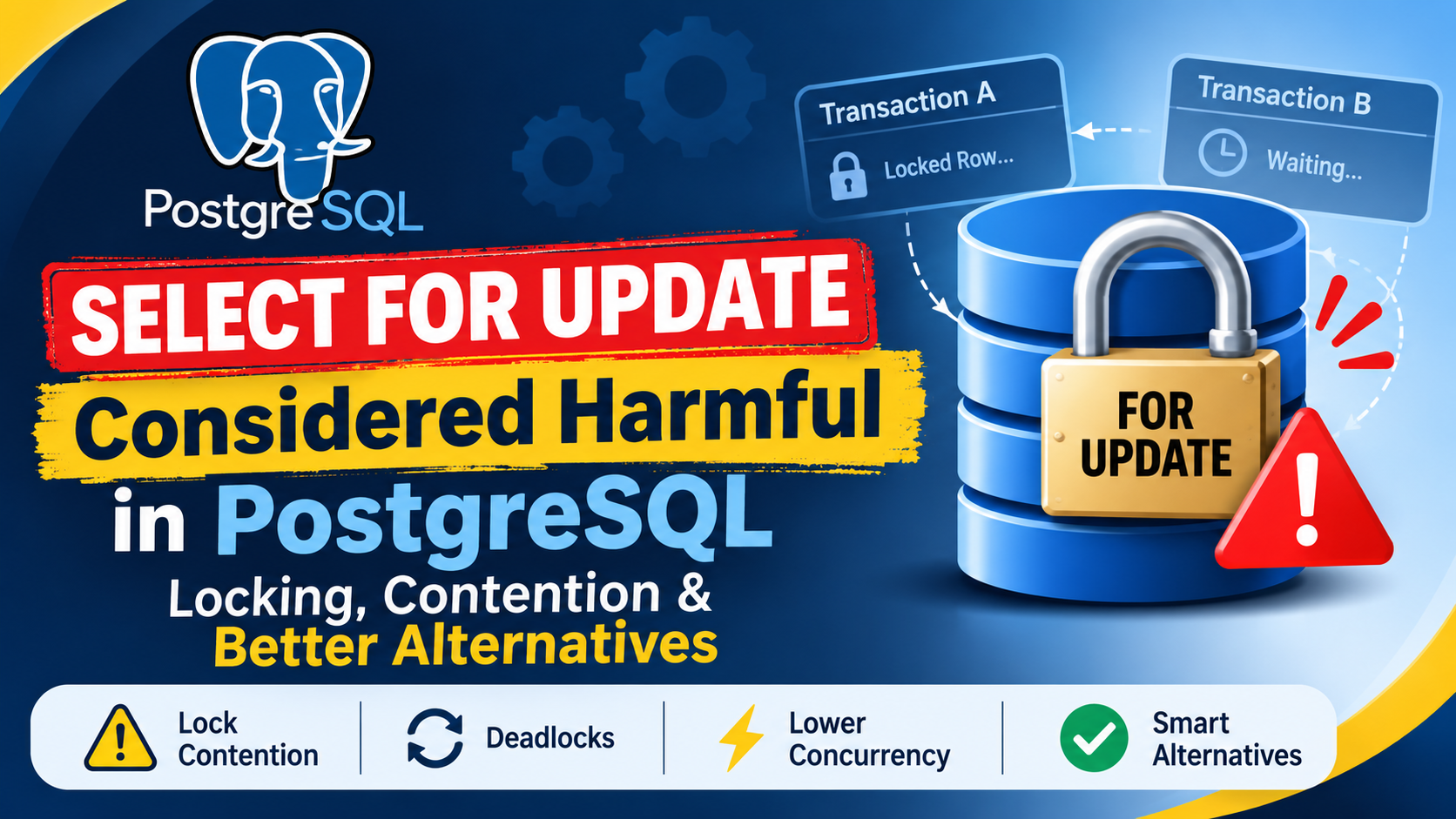
SELECT FOR UPDATE Considered Harmful in PostgreSQL: Locking, Contention & Better Alternatives
SELECT FOR UPDATE Considered Harmful in PostgreSQL
SELECT FOR UPDATE is one of the most useful row-locking features in PostgreSQL. It allows a transaction to lock selected rows so that other transactions cannot modify or lock those same rows until the current transaction finishes.
However, using SELECT FOR UPDATE everywhere is a common PostgreSQL anti-pattern.
The problem is not that SELECT FOR UPDATE is inherently bad. The problem is using row locks when they are not actually required. Excessive locking can increase contention, create blocking chains, reduce concurrency, and make application performance unpredictable.
This article explains how SELECT FOR UPDATE works, why it can become harmful, when it is appropriate, and what alternatives you can consider.
What Is SELECT FOR UPDATE?
SELECT FOR UPDATE locks the rows returned by a query.
For example:
BEGIN;

SELECT *
FROM accounts
WHERE account_id = 101
FOR UPDATE;

UPDATE accounts
SET balance = balance - 500
WHERE account_id = 101;

COMMIT;
When PostgreSQL executes the SELECT FOR UPDATE, the selected row is locked for the transaction.
Another transaction attempting to update or lock the same row may have to wait until the first transaction completes.
The important point is that the lock remains associated with the transaction until:
COMMIT;or:
ROLLBACK;Why Do Developers Use SELECT FOR UPDATE?
The most common reason is to protect a read-modify-write operation.
Consider an account with:
balance = 1000Two transactions simultaneously execute:
SELECT balance
FROM accounts
WHERE account_id = 101;
Both transactions might read:
1000Transaction A subtracts 500:
1000 - 500 = 500Transaction B subtracts 300:
1000 - 300 = 700Depending on how the application performs the updates, this can lead to incorrect business behavior.
A developer may therefore write:
SELECT balance
FROM accounts
WHERE account_id = 101
FOR UPDATE;
The first transaction locks the row, and another transaction attempting to acquire a conflicting lock must wait.
This can be perfectly valid.
The problem starts when this technique becomes the default solution for every concurrent operation.
Why SELECT FOR UPDATE Can Be Harmful
The biggest issue is reduced concurrency.
Imagine an application processing orders.
Suppose the application executes:
BEGIN;

SELECT *
FROM orders
WHERE order_id = 5001
FOR UPDATE;

-- application performs several operations

UPDATE orders
SET status = 'processing'
WHERE order_id = 5001;

COMMIT;
If the transaction remains open for several seconds, another transaction that needs the same row may have to wait.
Now imagine hundreds of concurrent requests.
You can start getting:
Transaction A
      |
      | locks row
      |
      v
Transaction B ---> waiting
      |
      v
Transaction C ---> waiting
      |
      v
Transaction D ---> waiting
The original transaction may be doing something completely unrelated while holding the lock.
This is where SELECT FOR UPDATE can become harmful.
Row Locks Reduce Concurrency
PostgreSQL is designed to support high levels of concurrency.
Row-level locking is an important part of that design, but every lock introduces some coordination between transactions.
For example:
BEGIN;

SELECT *
FROM products
WHERE product_id = 10
FOR UPDATE;

-- long-running application logic

UPDATE products
SET stock = stock - 1
WHERE product_id = 10;

COMMIT;
If many customers try to purchase the same product simultaneously, all those transactions may compete for the same row.
The database can end up with:
Request 1 → locks product
Request 2 → waits
Request 3 → waits
Request 4 → waits
Request 5 → waits
The application may appear slow even though CPU and memory utilization are not necessarily high.
The actual problem is lock contention.
The Hidden Cost of Long Transactions
One of the biggest mistakes is holding the lock while performing application work.
Consider:
BEGIN;

SELECT *
FROM orders
WHERE order_id = 100
FOR UPDATE;

-- API call
-- external service
-- business logic
-- logging
-- file processing

UPDATE orders
SET status = 'completed'
WHERE order_id = 100;

COMMIT;
This is dangerous because the database lock is held while the application performs operations that do not need the database lock.
For example:
SELECT FOR UPDATE
       ↓
Acquire lock
       ↓
External API call
       ↓
Business logic
       ↓
Logging
       ↓
More processing
       ↓
UPDATE
       ↓
COMMIT
       ↓
Release lock
The longer this takes, the longer competing transactions may wait.
A better principle is:
Keep transactions as short as possible.
SELECT FOR UPDATE Does Not Lock Everything
Another common misunderstanding is assuming that:
SELECT *
FROM orders
WHERE customer_id = 10
FOR UPDATE;
locks the entire table.
It does not.
The row-level locks apply to the rows selected by the query.
However, the query may lock a large number of rows if the predicate is broad.
For example:
SELECT *
FROM orders
WHERE status = 'pending'
FOR UPDATE;
If there are 100,000 pending orders, you may be creating a very large locking operation.
This can cause significant contention and application slowdowns.
Large Result Sets Are Especially Dangerous
Consider:
SELECT *
FROM jobs
WHERE status = 'pending'
FOR UPDATE;
Suppose the table contains:
5,000,000 jobsand:
1,000,000 jobs are pendingLocking a huge number of rows simply because the application intends to process a small subset is inefficient.
Instead, you might use:
SELECT *
FROM jobs
WHERE status = 'pending'
ORDER BY job_id
LIMIT 100
FOR UPDATE SKIP LOCKED;
This is particularly useful for worker queues.
FOR UPDATE SKIP LOCKED
SKIP LOCKED can dramatically improve concurrency for queue-processing workloads.
Suppose several workers process jobs.
Without SKIP LOCKED:
Worker 1 → locks Job 101
Worker 2 → waits for Job 101
Worker 3 → waits for Job 101
With:
FOR UPDATE SKIP LOCKEDworkers can skip rows that another transaction has already locked.
Example:
BEGIN;

SELECT *
FROM jobs
WHERE status = 'pending'
ORDER BY job_id
LIMIT 10
FOR UPDATE SKIP LOCKED;

-- process jobs

COMMIT;
Now different workers can pick different available jobs.
Conceptually:
Worker 1 → Job 101–110
Worker 2 → Job 111–120
Worker 3 → Job 121–130
instead of all workers waiting for the same locked row.
But SKIP LOCKED Is Not a Universal Solution
SKIP LOCKED is useful for queue-like workloads, but it changes the semantics of your query.
If a row is locked, PostgreSQL skips it instead of waiting.
That means the application may temporarily not see rows that technically match the query.
For a job queue, this is usually desirable.
For financial or business-critical workflows, it may not be.
Therefore, the question should not simply be:
“Can I add SKIP LOCKED?”
Instead ask:
“Is it acceptable for this operation to skip currently locked rows?”
SELECT FOR UPDATE and Deadlocks
Another problem with excessive locking is the possibility of deadlocks.
Consider two transactions.
Transaction A:
BEGIN;

SELECT *
FROM accounts
WHERE account_id = 1
FOR UPDATE;

SELECT *
FROM accounts
WHERE account_id = 2
FOR UPDATE;
Transaction B:
BEGIN;

SELECT *
FROM accounts
WHERE account_id = 2
FOR UPDATE;

SELECT *
FROM accounts
WHERE account_id = 1
FOR UPDATE;
The situation can become:
Transaction A
locks Account 1
      ↓
waits for Account 2

Transaction B
locks Account 2
      ↓
waits for Account 1
This creates a deadlock.
PostgreSQL detects deadlocks and aborts one of the transactions.
The application must then handle the resulting error appropriately.
How to Reduce Deadlocks
One important technique is to acquire locks in a consistent order.
Instead of:
Transaction A:
Account 1 → Account 2

Transaction B:
Account 2 → Account 1
make both transactions follow:
Account 1 → Account 2For example:
SELECT *
FROM accounts
WHERE account_id IN (1, 2)
ORDER BY account_id
FOR UPDATE;
The exact design depends on the application, but consistent lock ordering can significantly reduce deadlock risk.
SELECT FOR UPDATE Can Hide Application Design Problems
Sometimes developers use:
SELECT ... FOR UPDATEbecause the application architecture makes concurrency difficult.
For example:
Read row
   ↓
Lock row
   ↓
Calculate value
   ↓
Update row
But PostgreSQL may allow the entire operation to be expressed as one atomic statement.
Instead of:
SELECT balance
FROM accounts
WHERE account_id = 101
FOR UPDATE;

UPDATE accounts
SET balance = balance - 500
WHERE account_id = 101;
you can often use:
UPDATE accounts
SET balance = balance - 500
WHERE account_id = 101
  AND balance >= 500;
This is much simpler.
The database performs the update atomically.
Then you can check whether a row was actually updated.
For example:
UPDATE accounts
SET balance = balance - 500
WHERE account_id = 101
  AND balance >= 500
RETURNING account_id, balance;
If no row is returned, the transaction can treat the operation as unsuccessful.
Prefer Atomic UPDATE When Possible
This is one of the most important alternatives to unnecessary SELECT FOR UPDATE.
Instead of:
SELECT stock
FROM products
WHERE product_id = 10
FOR UPDATE;

UPDATE products
SET stock = stock - 1
WHERE product_id = 10;
consider:
UPDATE products
SET stock = stock - 1
WHERE product_id = 10
  AND stock > 0
RETURNING stock;
This approach expresses the business rule directly in SQL.
The database handles concurrency around the update.
You don’t necessarily need to explicitly lock the row first.
Optimistic Concurrency Control
Another alternative is optimistic concurrency control.
Suppose a table contains:
CREATE TABLE products (
    product_id bigint PRIMARY KEY,
    stock integer NOT NULL,
    version integer NOT NULL DEFAULT 1
);
Instead of explicitly locking the row:
SELECT *
FROM products
WHERE product_id = 10
FOR UPDATE;
you can use the version column.
For example:
UPDATE products
SET stock = stock - 1,
    version = version + 1
WHERE product_id = 10
  AND version = 5
  AND stock > 0;
If the update affects zero rows, another transaction may have modified the record or the business condition may no longer be true.
This can be useful when conflicts are relatively rare.
Compare Pessimistic and Optimistic Approaches
SELECT FOR UPDATE represents a pessimistic approach.
The application effectively says:
“I expect another transaction might modify this row, so I will lock it before continuing.”
Optimistic concurrency says:
“I’ll attempt the operation and verify that nobody changed the data unexpectedly.”
Conceptually:
Pessimistic
------------
Lock
  ↓
Read
  ↓
Process
  ↓
Update
  ↓
Commit
versus:
Optimistic
----------
Read
  ↓
Process
  ↓
Conditional UPDATE
  ↓
Check result
Neither approach is universally better.
The correct choice depends on workload and business requirements.
Use SELECT FOR UPDATE When It Actually Provides Value
There are legitimate situations where SELECT FOR UPDATE is exactly the right tool.
For example:
BEGIN;

SELECT *
FROM accounts
WHERE account_id = 101
FOR UPDATE;

-- multiple dependent operations

UPDATE accounts
SET balance = balance - 500
WHERE account_id = 101;

INSERT INTO transactions (...);

UPDATE account_summary
SET total_transactions = total_transactions + 1
WHERE account_id = 101;

COMMIT;
Here, the application may need to read a row, perform multiple dependent operations, and maintain a consistent business invariant.
Explicit locking can be appropriate.
The goal is not:
“Never use SELECT FOR UPDATE.”
The goal is:
Don’t use SELECT FOR UPDATE when an atomic statement or another concurrency technique can solve the problem more efficiently.
SELECT FOR UPDATE vs UPDATE
Consider this pattern:
BEGIN;

SELECT stock
FROM products
WHERE product_id = 10
FOR UPDATE;

UPDATE products
SET stock = stock - 1
WHERE product_id = 10;

COMMIT;
If all you need is to decrement the stock safely, this may be unnecessary.
Instead:
UPDATE products
SET stock = stock - 1
WHERE product_id = 10
  AND stock > 0
RETURNING stock;
The second version is shorter and directly represents the business operation.
SELECT FOR UPDATE vs Advisory Locks
PostgreSQL also provides advisory locks.
For example:
SELECT pg_advisory_xact_lock(12345);Advisory locks can be useful when the thing you need to coordinate is not naturally represented by a particular database row.
However, advisory locks should not automatically replace row locks.
They introduce their own design considerations and require the application to consistently use the same locking protocol.
SELECT FOR UPDATE vs SKIP LOCKED
These approaches solve different problems.
SELECT FOR UPDATE
SELECT *
FROM jobs
WHERE status = 'pending'
FOR UPDATE;
The transaction waits when conflicting locks are encountered.
SELECT FOR UPDATE SKIP LOCKED
SELECT *
FROM jobs
WHERE status = 'pending'
LIMIT 10
FOR UPDATE SKIP LOCKED;
The transaction skips already locked rows.
A simplified comparison:
| Feature | FOR UPDATE | FOR UPDATE SKIP LOCKED |
|---|---|---|
| Locks selected rows | Yes | Yes |
| Waits for conflicting rows | Generally yes | No |
| Good for queue workers | Sometimes | Excellent |
| Preserves strict row visibility | Better | No |
| Can improve worker concurrency | Limited | Yes |
Locking and Transaction Isolation
It is also important to understand that SELECT FOR UPDATE is not the same thing as changing the transaction isolation level.
PostgreSQL provides isolation levels such as:
READ COMMITTED
REPEATABLE READ
SERIALIZABLE
A row lock is a specific concurrency-control mechanism.
Isolation level controls the broader visibility and serialization behavior of transactions.
Therefore, adding:
FOR UPDATEshould not be treated as a universal replacement for understanding transaction isolation.
How to Find Lock Contention
When an application becomes slow, don’t immediately assume that CPU or memory is the problem.
Check whether sessions are waiting on locks.
PostgreSQL provides useful system views such as:
pg_stat_activityand:
pg_locksFor example:
SELECT
    pid,
    usename,
    state,
    wait_event_type,
    wait_event,
    query
FROM pg_stat_activity
WHERE wait_event_type = 'Lock';
This can help identify sessions waiting for locks.
You can also inspect locks with:
SELECT
    pid,
    locktype,
    mode,
    granted,
    relation::regclass
FROM pg_locks
WHERE NOT granted;
These queries can help determine whether locking is contributing to application latency.
Look for Long-Running Transactions
Long-running transactions are particularly important when investigating lock problems.
You can inspect transaction age with:
SELECT
    pid,
    usename,
    state,
    xact_start,
    now() - xact_start AS transaction_age,
    query
FROM pg_stat_activity
WHERE xact_start IS NOT NULL
ORDER BY xact_start;
A transaction that has been open for a long time deserves investigation.
It may be:
- Holding locks
- Waiting for locks
- Preventing cleanup
- Increasing transaction-related overhead
- Causing application requests to pile up
Common SELECT FOR UPDATE Mistakes
Mistake 1: Locking before every update
Bad pattern:
SELECT *
FROM users
WHERE user_id = 10
FOR UPDATE;

UPDATE users
SET last_login = now()
WHERE user_id = 10;
If the update itself is sufficient, the explicit lock may add unnecessary complexity.
Mistake 2: Holding locks during API calls
Avoid:
BEGIN
↓
SELECT FOR UPDATE
↓
Call external API
↓
Wait
↓
Process response
↓
UPDATE
↓
COMMIT
External services should generally not be called while holding database locks unless the business design specifically requires it.
Mistake 3: Locking too many rows
Avoid broad queries such as:
SELECT *
FROM orders
WHERE status = 'pending'
FOR UPDATE;
when the application only needs a small number of rows.
Mistake 4: Ignoring deadlocks
If your application uses multiple locks, define a consistent lock acquisition order.
Mistake 5: Treating locks as a substitute for atomic SQL
Sometimes:
SELECT ... FOR UPDATEcan be replaced with:
UPDATE ... WHERE condition RETURNING ...;This should always be evaluated before introducing explicit locking.
A Better Decision-Making Process
Before adding SELECT FOR UPDATE, ask these questions:
Question 1: Do I really need to lock the row?
If the operation can be expressed atomically, explicit locking may not be necessary.
Question 2: Can I use an atomic UPDATE?
Consider:
UPDATE ...
WHERE ...
RETURNING ...;
Question 3: Can optimistic concurrency work?
A version column or conditional update may provide better concurrency.
Question 4: Is this a queue-processing workload?
If yes, consider:
FOR UPDATE SKIP LOCKEDQuestion 5: How long will the lock be held?
The shorter the transaction, the better.
Question 6: Could multiple locks create a deadlock?
If yes, establish a consistent lock order.
Question 7: How many rows will be locked?
Check the query carefully.
Practical Example: Order Processing
Suppose you have:
CREATE TABLE orders (
    order_id bigint PRIMARY KEY,
    status text NOT NULL
);
A naive implementation might be:
BEGIN;

SELECT *
FROM orders
WHERE order_id = 1001
FOR UPDATE;

-- application logic

UPDATE orders
SET status = 'processing'
WHERE order_id = 1001;

COMMIT;
A simpler operation may be:
UPDATE orders
SET status = 'processing'
WHERE order_id = 1001
  AND status = 'pending'
RETURNING order_id, status;
Now the application can determine whether it successfully transitioned the order.
This reduces the need for a separate locking query.
Practical Example: Job Queue
For a worker queue, explicit locking can be appropriate.
BEGIN;

SELECT job_id, payload
FROM jobs
WHERE status = 'pending'
ORDER BY job_id
LIMIT 10
FOR UPDATE SKIP LOCKED;
The worker can then mark those jobs as processing:
UPDATE jobs
SET status = 'processing'
WHERE job_id IN (...);

COMMIT;
This pattern allows multiple workers to process different jobs concurrently.
Monitoring Should Come Before Optimization
If you suspect SELECT FOR UPDATE is causing performance problems, don’t remove it blindly.
First investigate:
Application latency
        ↓
Database wait events
        ↓
Lock waits
        ↓
Blocking session
        ↓
Long transaction
        ↓
SQL causing the lock
This provides evidence about the actual bottleneck.
Useful PostgreSQL monitoring views include:
pg_stat_activity
pg_locks
You can also use PostgreSQL logging and monitoring tools to identify long-running queries and transaction behavior.
Key Takeaways
SELECT FOR UPDATE is not inherently harmful.
It becomes harmful when it is used unnecessarily or when locks are held for too long.
Remember these principles:
- Use row locks when the business logic genuinely requires pessimistic locking.
- Prefer atomic SQL when a single statement can safely perform the operation.
- Keep transactions short.
- Never unnecessarily hold database locks during slow external operations.
- Avoid locking large numbers of rows when only a few are required.
- Use
SKIP LOCKEDfor appropriate queue-processing workloads. - Use optimistic concurrency when conflicts are relatively uncommon.
- Acquire multiple locks in a consistent order to reduce deadlocks.
- Monitor
pg_stat_activityandpg_lockswhen diagnosing lock contention. - Treat
SELECT FOR UPDATEas a deliberate concurrency-control mechanism, not a default SQL pattern.
Final Thoughts
SELECT FOR UPDATE is an important PostgreSQL feature, but powerful locking mechanisms should be used carefully.
The key question should not be:
Should I use SELECT FOR UPDATE?
Instead, ask:
What concurrency problem am I trying to solve, and is explicit row locking the best way to solve it?
For simple state changes, atomic UPDATE ... WHERE ... RETURNING statements may be enough. For optimistic workloads, version-based concurrency can reduce contention. For worker queues, FOR UPDATE SKIP LOCKED can provide excellent parallelism.
At Learnomate Technologies, we help database professionals build practical PostgreSQL skills through hands-on learning and real-world troubleshooting scenarios. From understanding transaction locking and concurrency control to optimizing queries, diagnosing lock contention, and improving database performance, Learnomate provides practical guidance to help aspiring and working DBAs strengthen their PostgreSQL expertise.